Changelog

Latest changes, bug fixes, and new product releases.

Homepage refresh

A faster first visit with a clearer product intro.
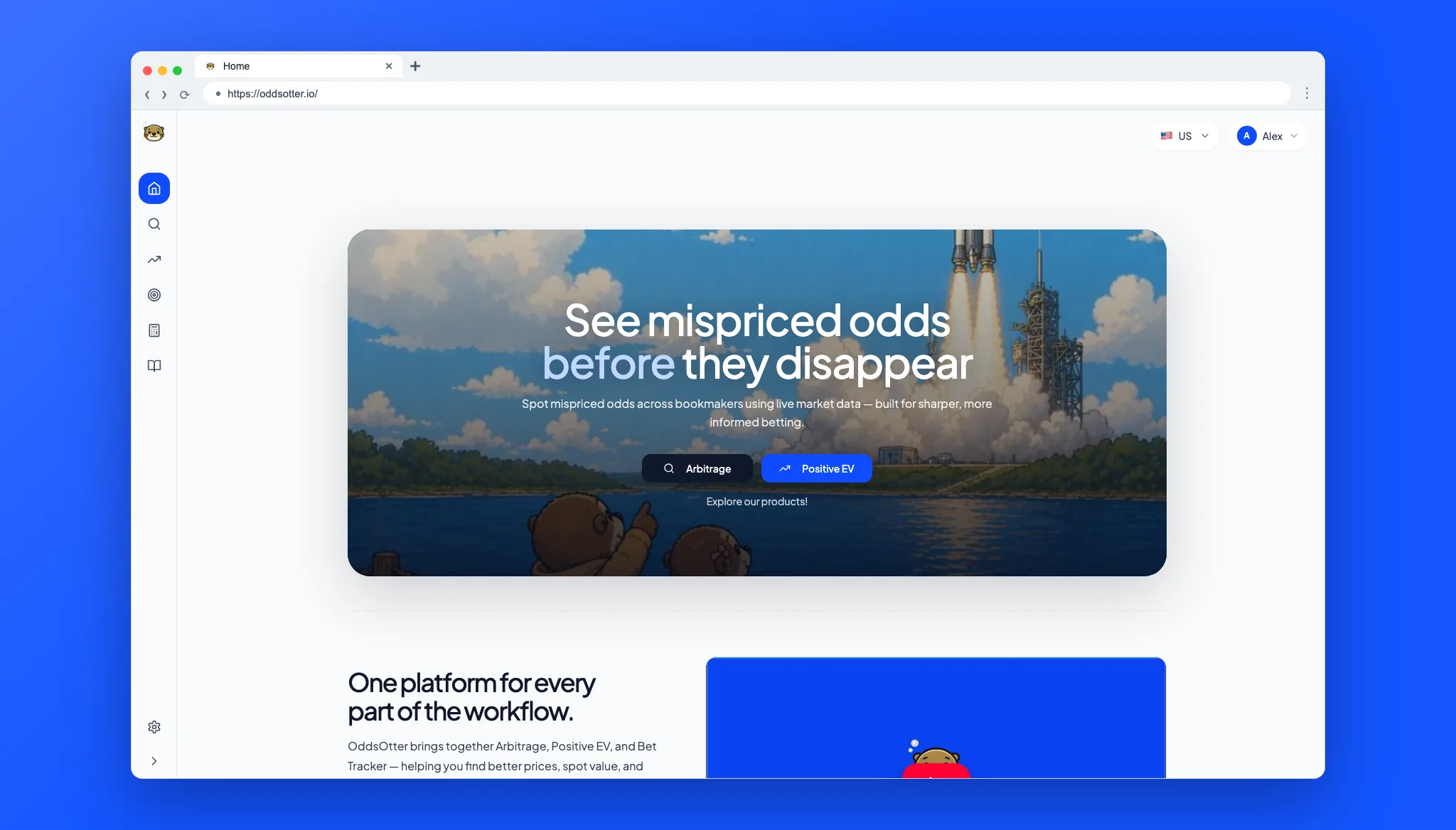
OddsOtter homepage screenshot

Highlights

  • Hero: New launch artwork gives the homepage a stronger first impression.
  • Video: The product walkthrough now loads only when you choose to play it.
  • Pricing and FAQ: Pricing and common questions are easier to scan.
  • Screenshots: Arbitrage, Positive EV, and calculator previews now use the updated product shot set.
Calculators and product pages

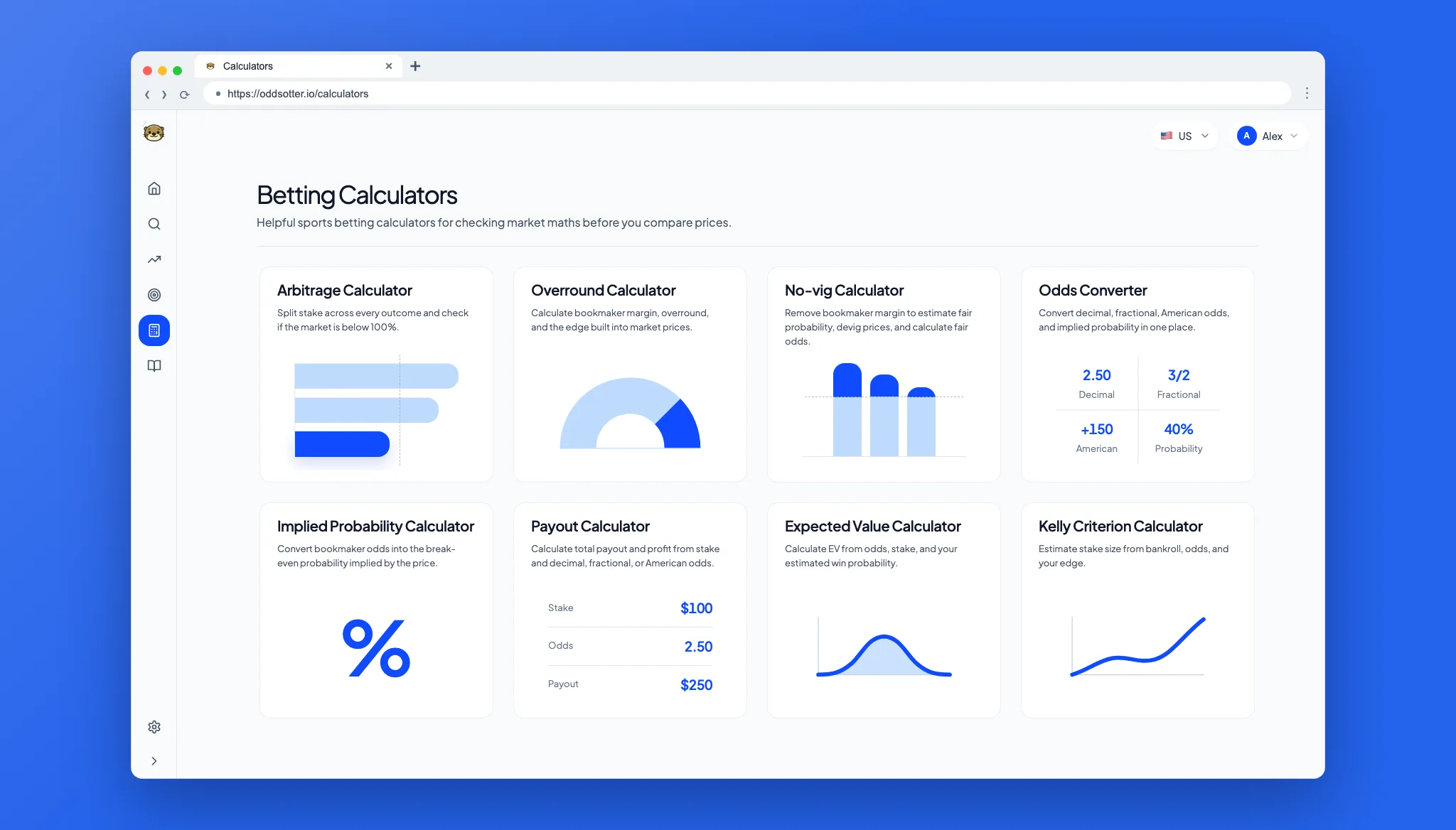
Public pages are easier to find and navigate.

Betting calculators page screenshot

Highlights

  • Calculators: New calculator pages are now linked from the public site.
  • Product pages: Core product pages have clearer titles and summaries.

Calculator and guide polish

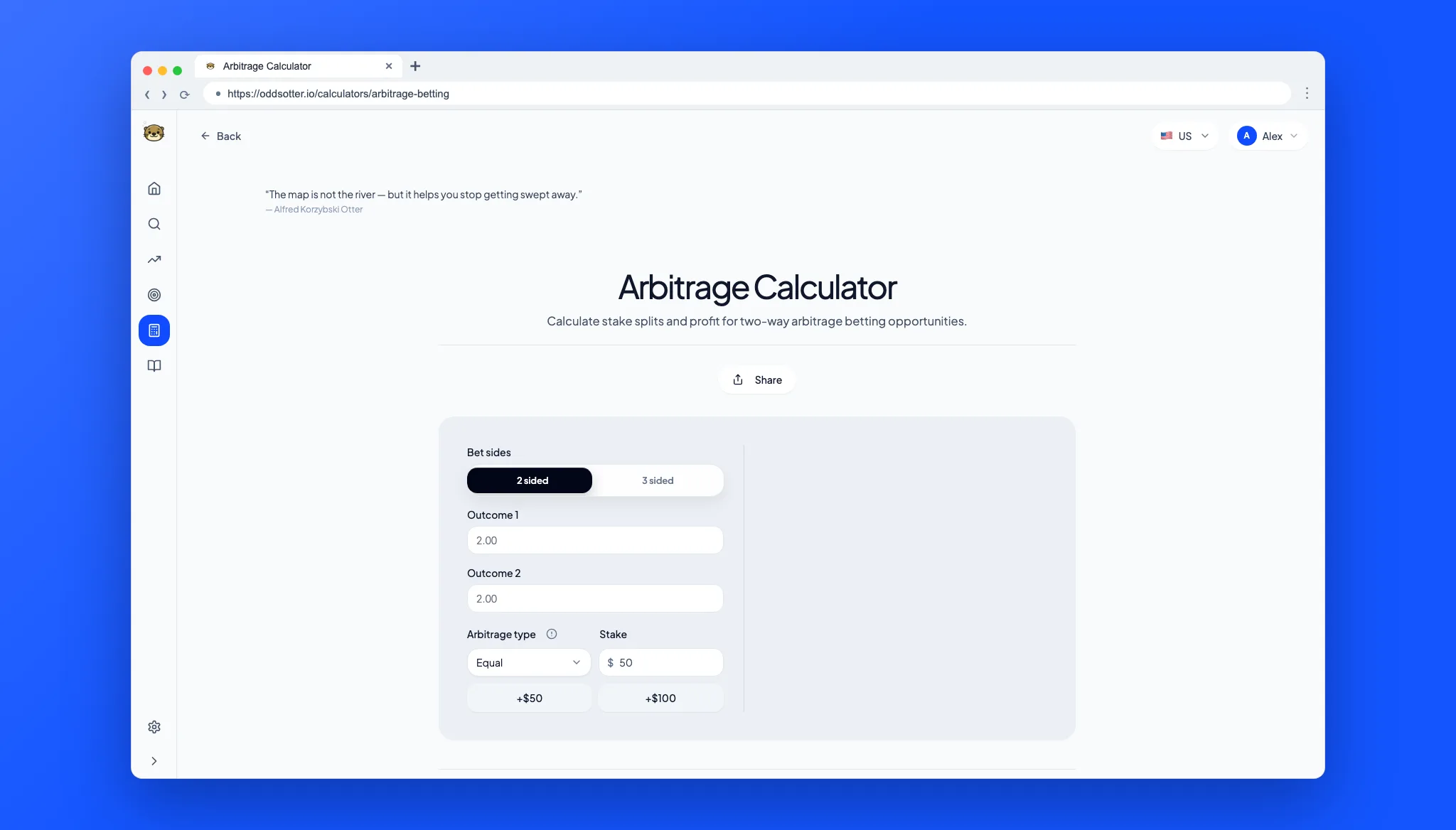
Calculator pages and learning content are cleaner and easier to read.

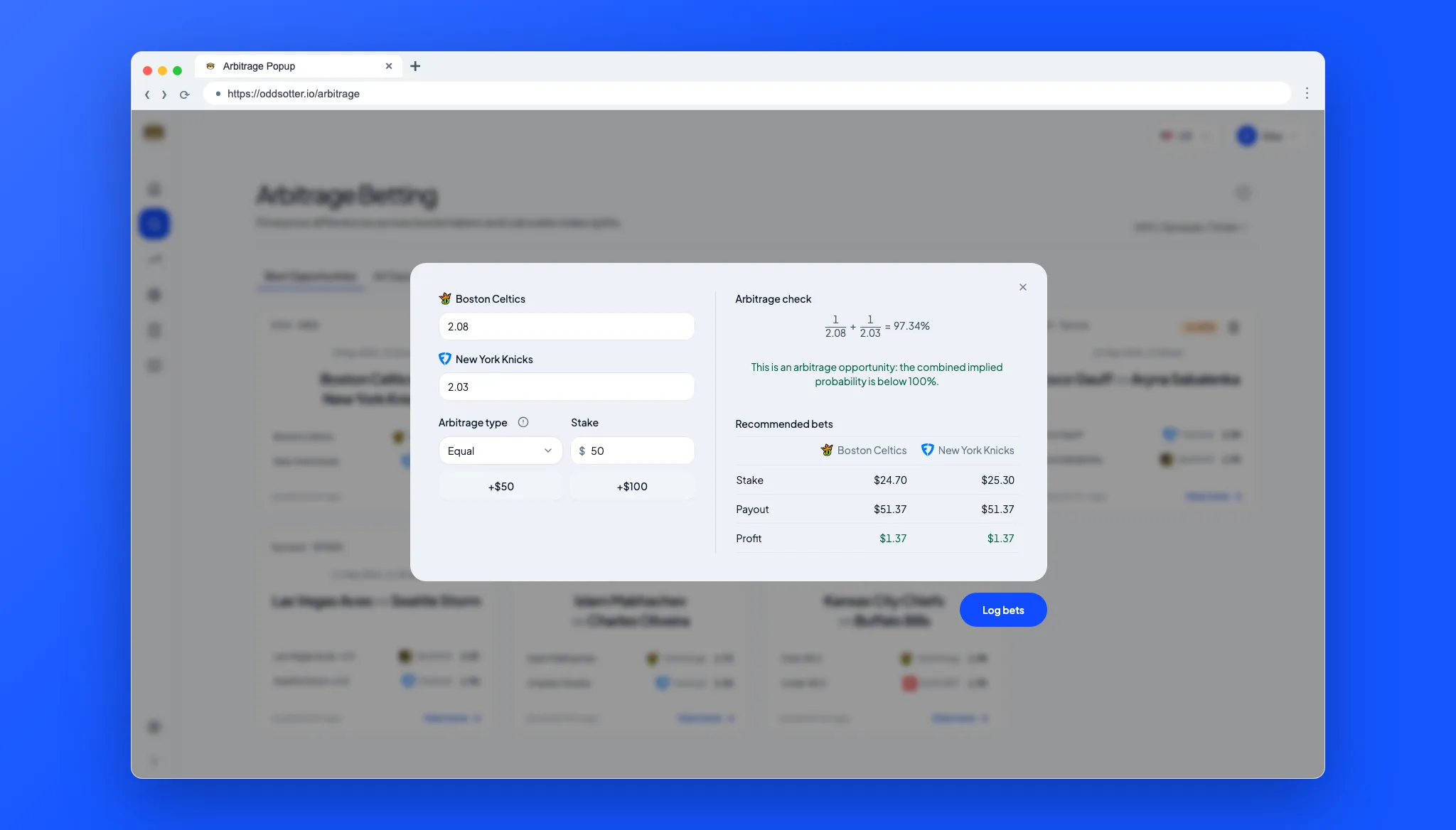
Arbitrage betting calculator screenshot

Highlights

  • Calculator cards: Calculator cards now have sharper visuals and cleaner actions.
  • Guides: Arbitrage, Positive EV, variance, and margin guides were refreshed.
  • Accessibility: Images and signed-out states are easier to understand.

App speed and betting workflow polish

Core app screens feel faster and betting tables are easier to use.

Arbitrage workflow screenshot

Highlights

  • Speed: App navigation now feels quicker.
  • Betting tools: Mobile filters, add-bet flows, and arbitrage guidance are clearer.

Account and billing improvements

Account setup, billing, and account deletion are more reliable.

OddsOtter public homepage screenshot

Highlights

  • Account setup: Onboarding and profile settings are easier to follow.
  • Billing: Subscription status updates more reliably after checkout or plan changes.

Pricing and product visuals

Pricing and product visuals were updated for launch.

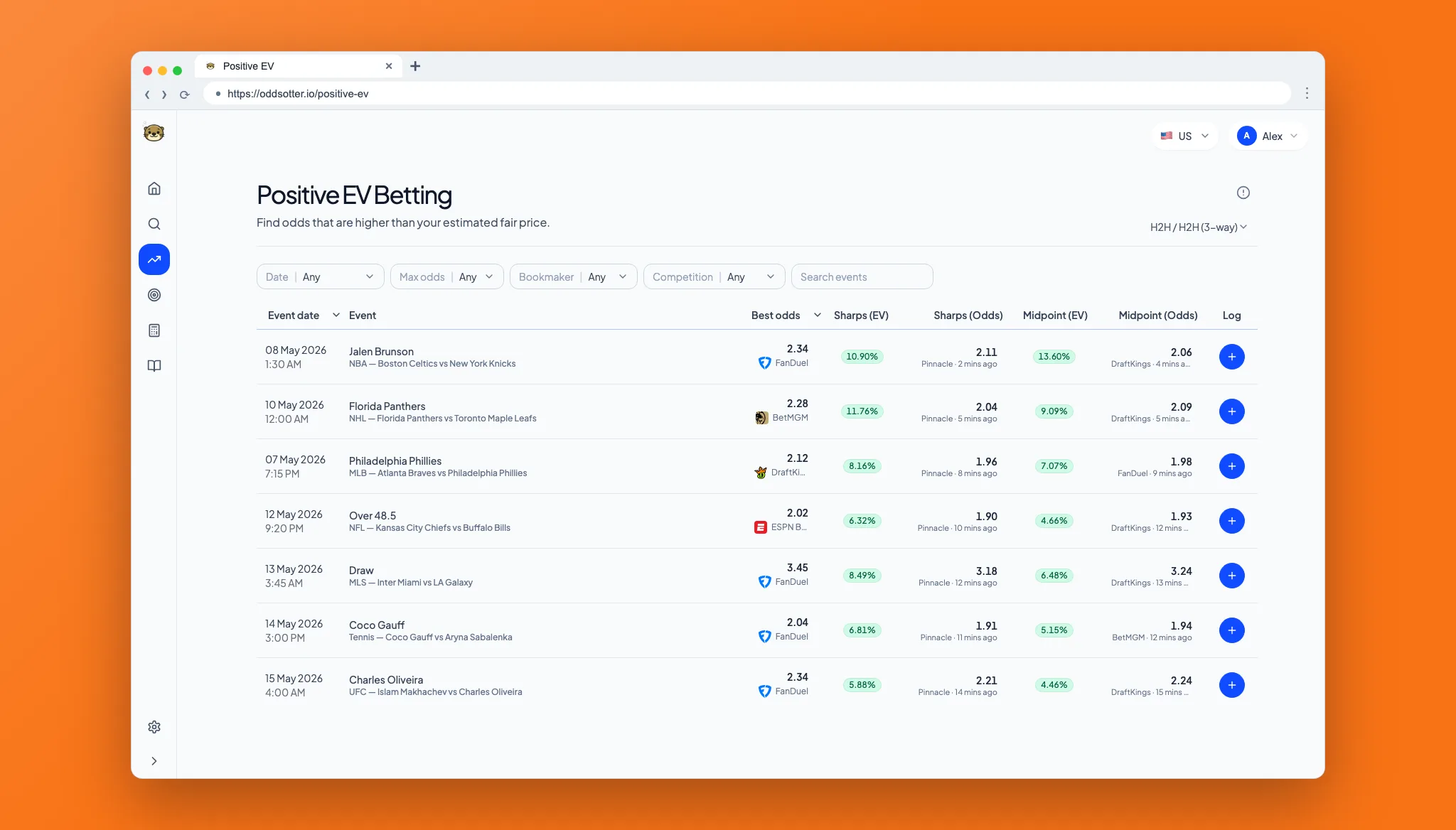
Positive EV product page screenshot

Highlights

  • Pricing: The Pro plan now uses US monthly pricing across the product.
  • Visuals: New product artwork supports the homepage and learning pages.

Learn hub restructure

The Learn section is easier to browse by topic.

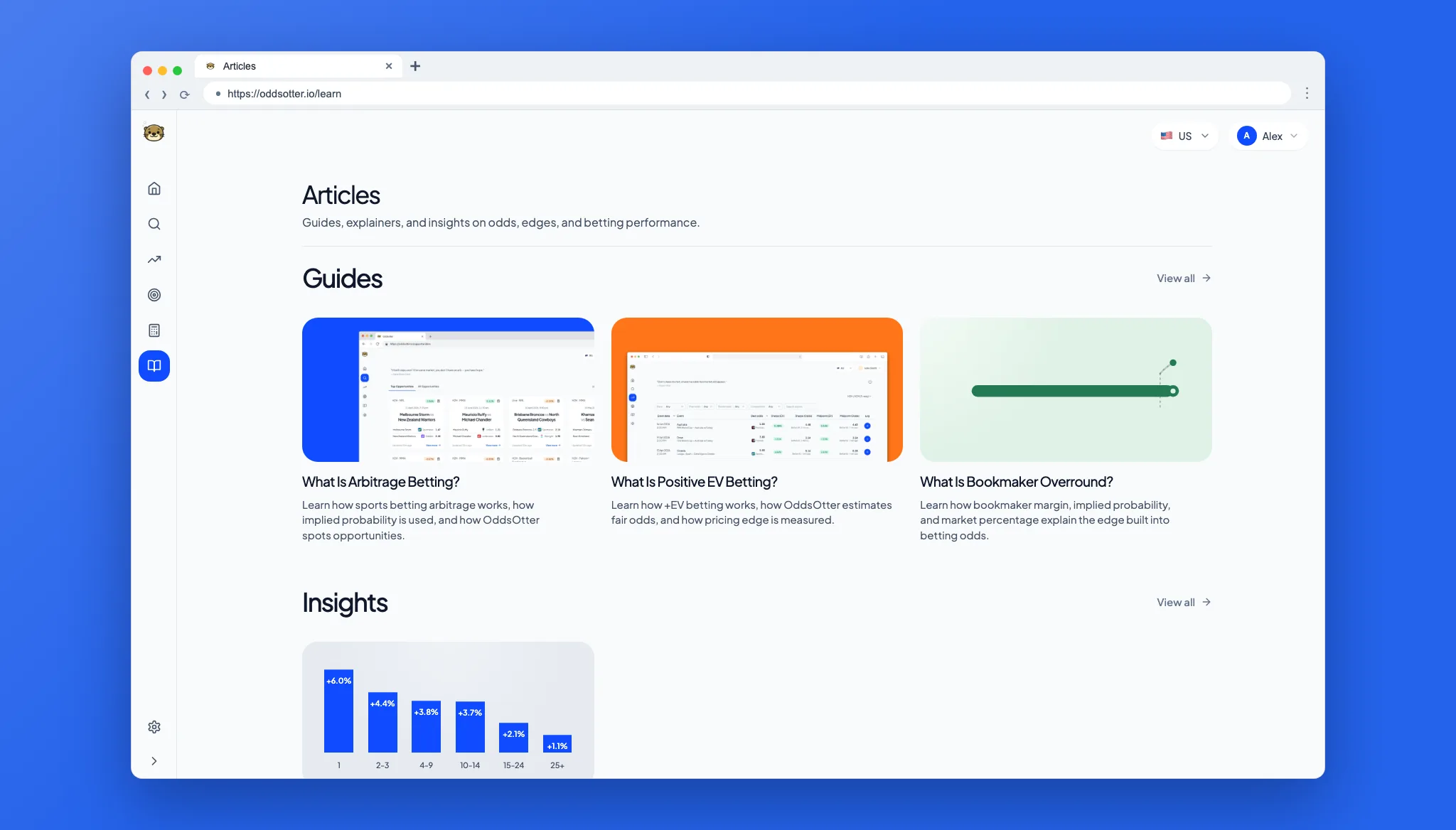
Learn hub screenshot

Highlights

  • Navigation: Guides, insights, features, and calculators now have clearer sections.

Learn page updates

Education pages are clearer and easier to read.

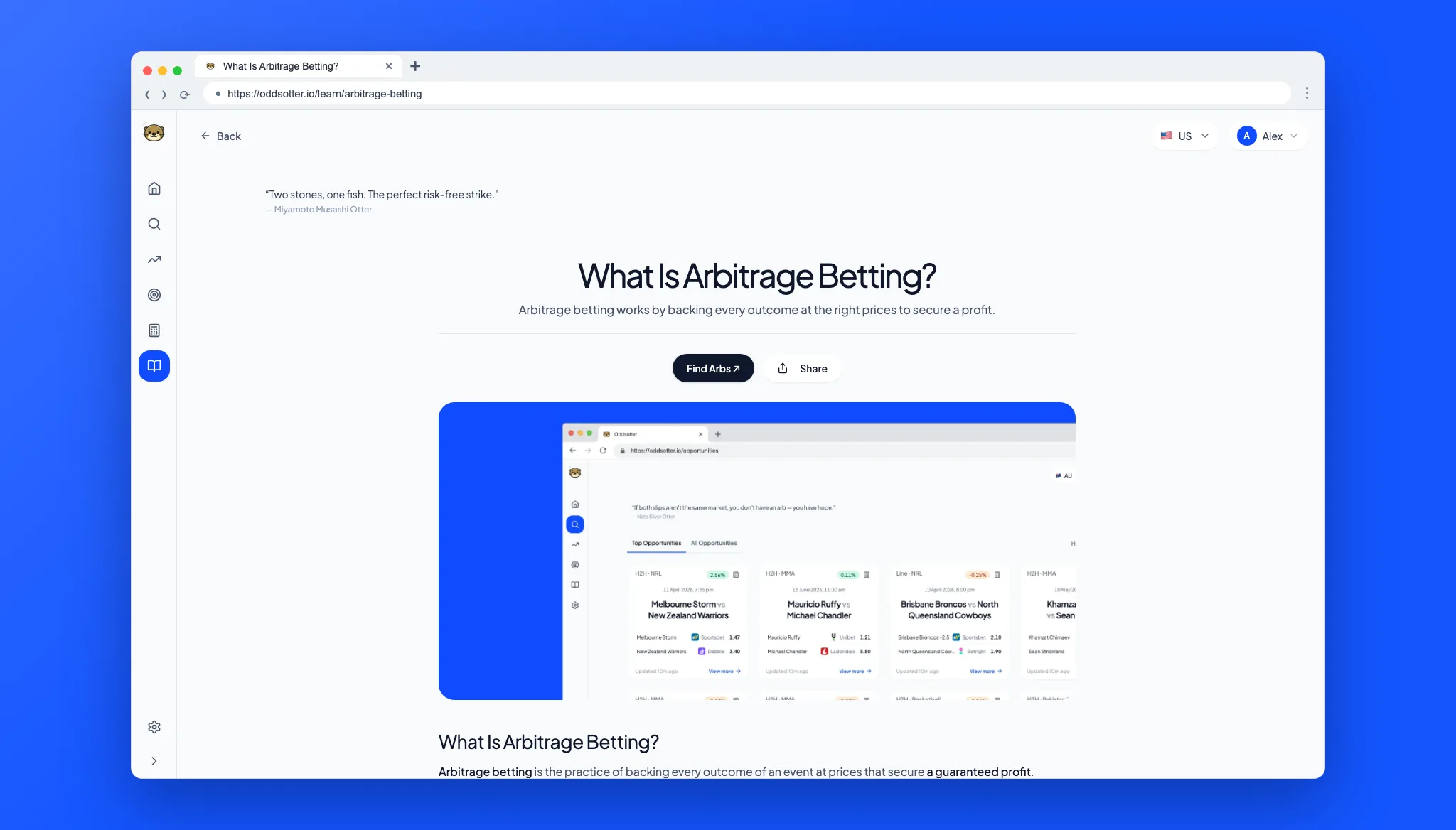
Arbitrage betting article screenshot

Highlights

  • Guides: Arbitrage and Positive EV articles have clearer summaries.
  • Reading: Article layouts are easier to scan.